[starklabs]"starklabs.net"

mihajlo@starklabs:~$ cat projects/wifi-2.md

Wi-Fi 2

date2026-10-21
statusactive
kindsoftware
tagsandroid, root, wifi, usb, networking, kotlin

Plug a USB Wi-Fi adapter into a rooted Android phone and Android runs it as a second Wi-Fi link, next to the built-in radio. One tile in the Quick Settings turns it on and off. The apps you pick use the second link. Everything else stays on the phone’s own network.

No patched firmware, no patched Android. The app uses the public network API and the station concurrency the Qualcomm Wi-Fi stack already has. Android’s own supplicant, DHCP and routing own the link. Setup is one tap with root.

Saved networks, an in-range list, per-app routing, unplug and replug handled, link back after a reboot. Works with the Alfa AWUS036ACS and other adapters with a Linux driver.
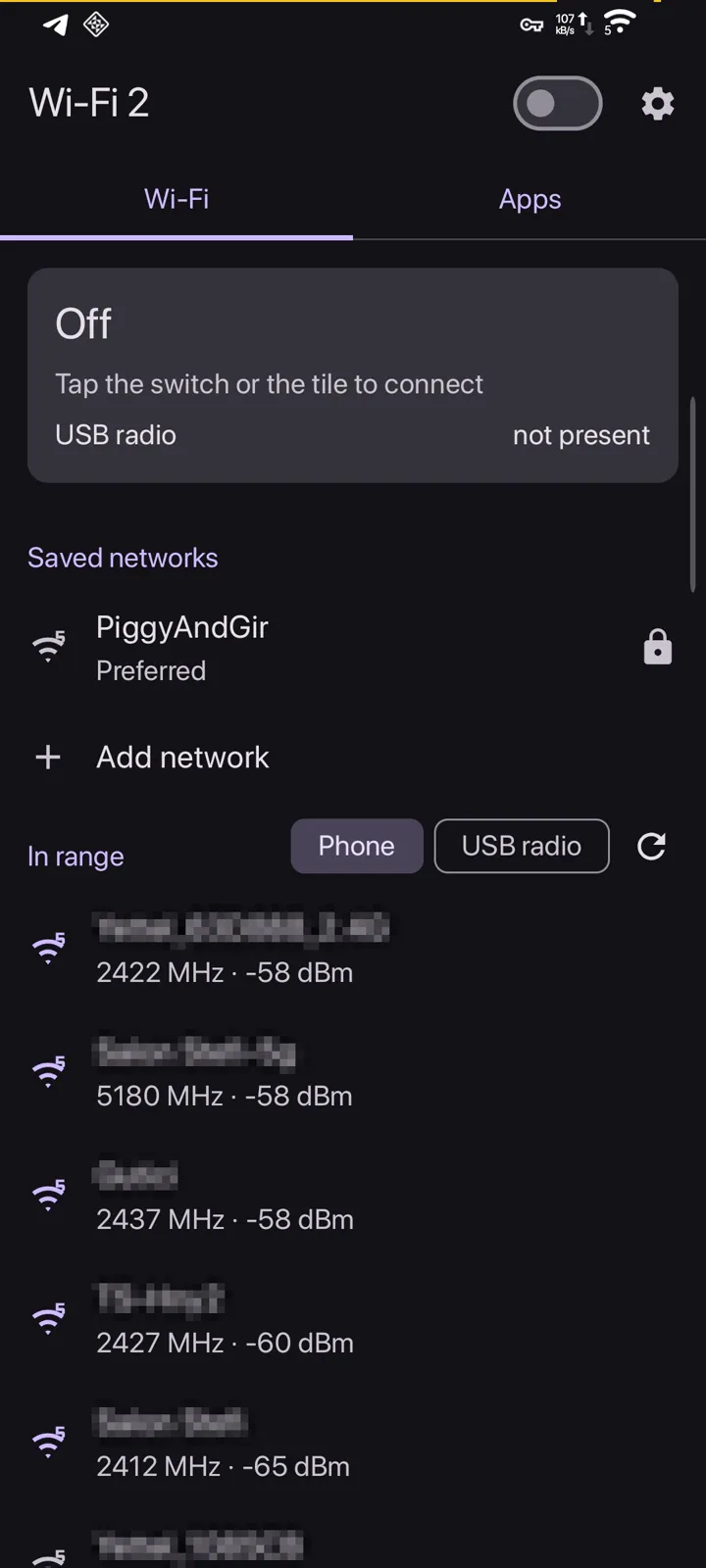
Wi-Fi tab. The link card on top, saved networks, then what is in range. Neighbour network names are blurred.
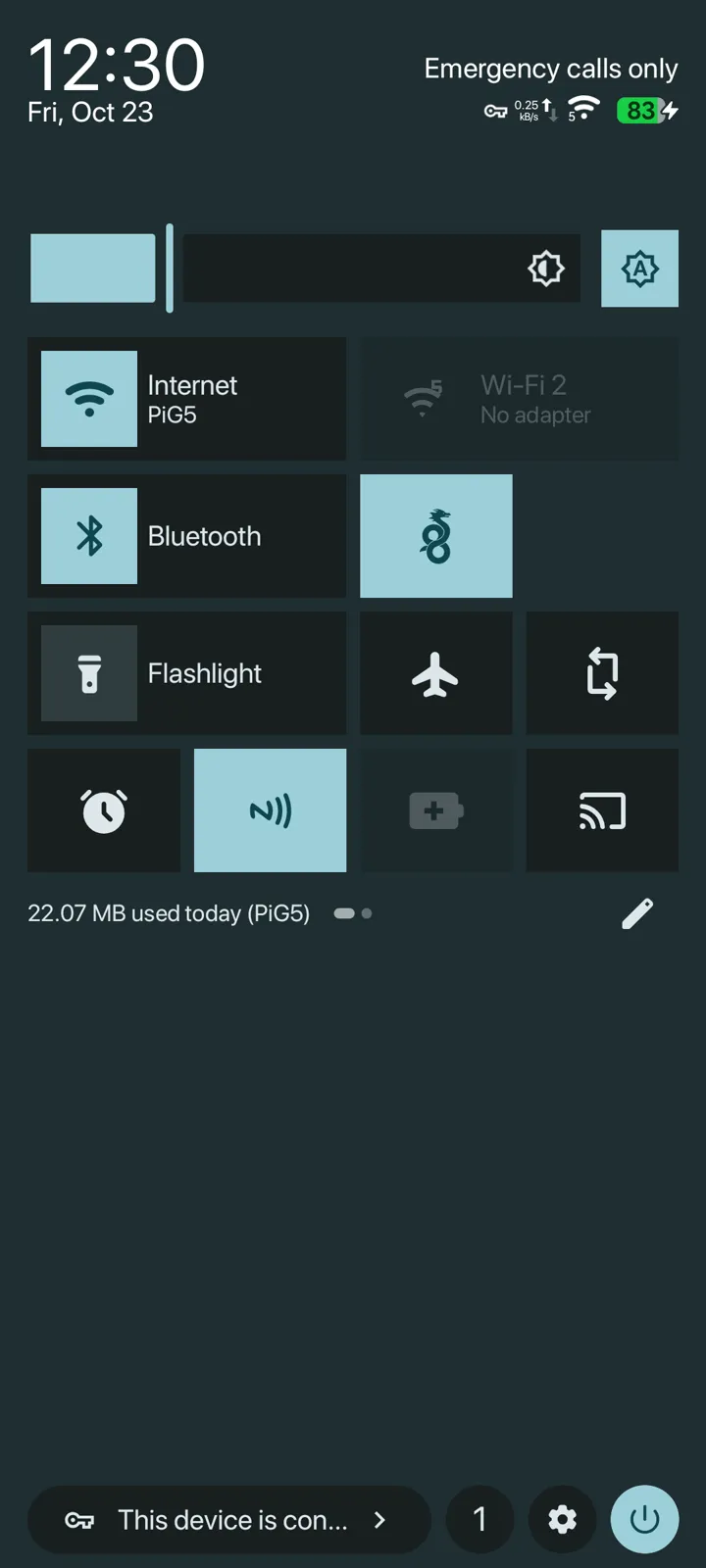
Quick Settings. The Wi-Fi 2 tile next to Internet, here with the adapter unplugged.
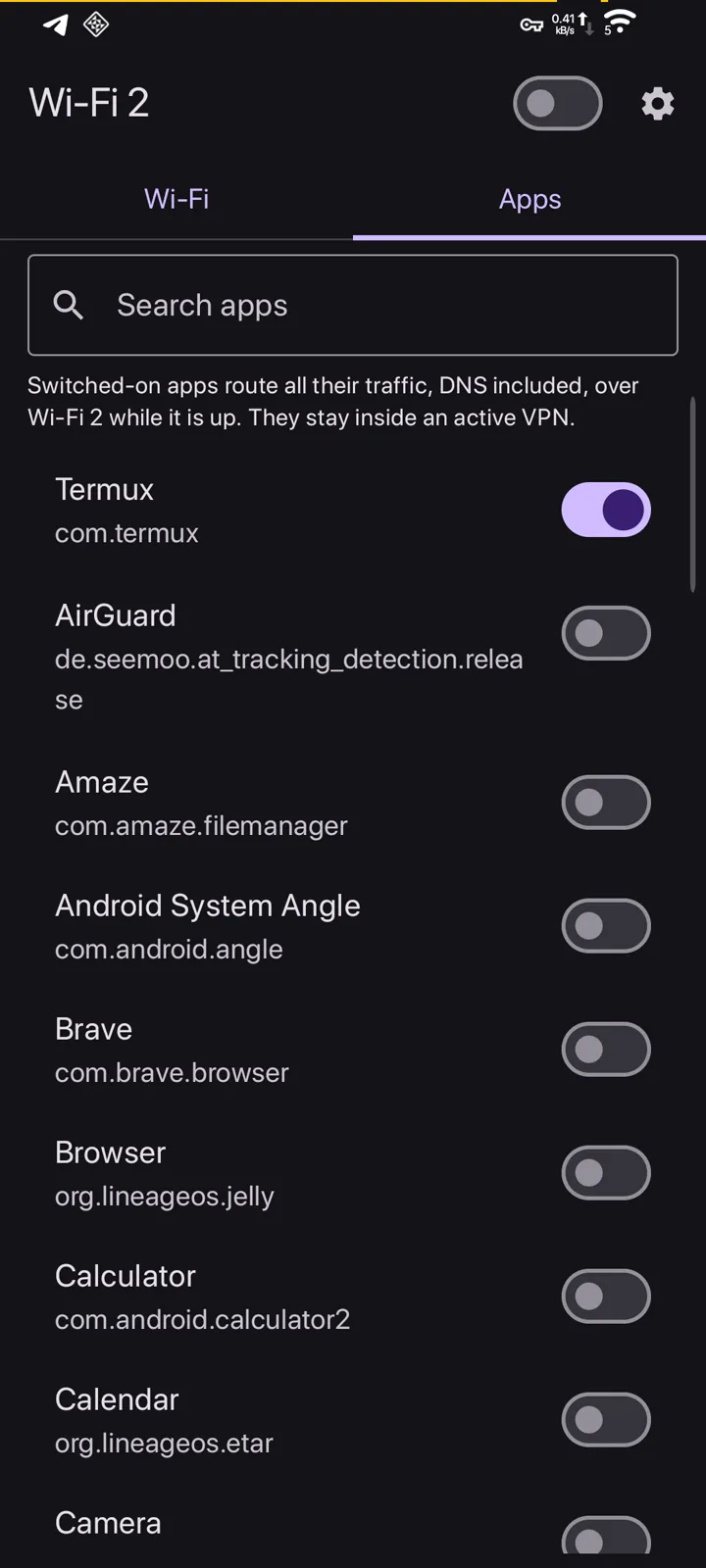
Apps tab. Search, then switch on the apps that use the second link.
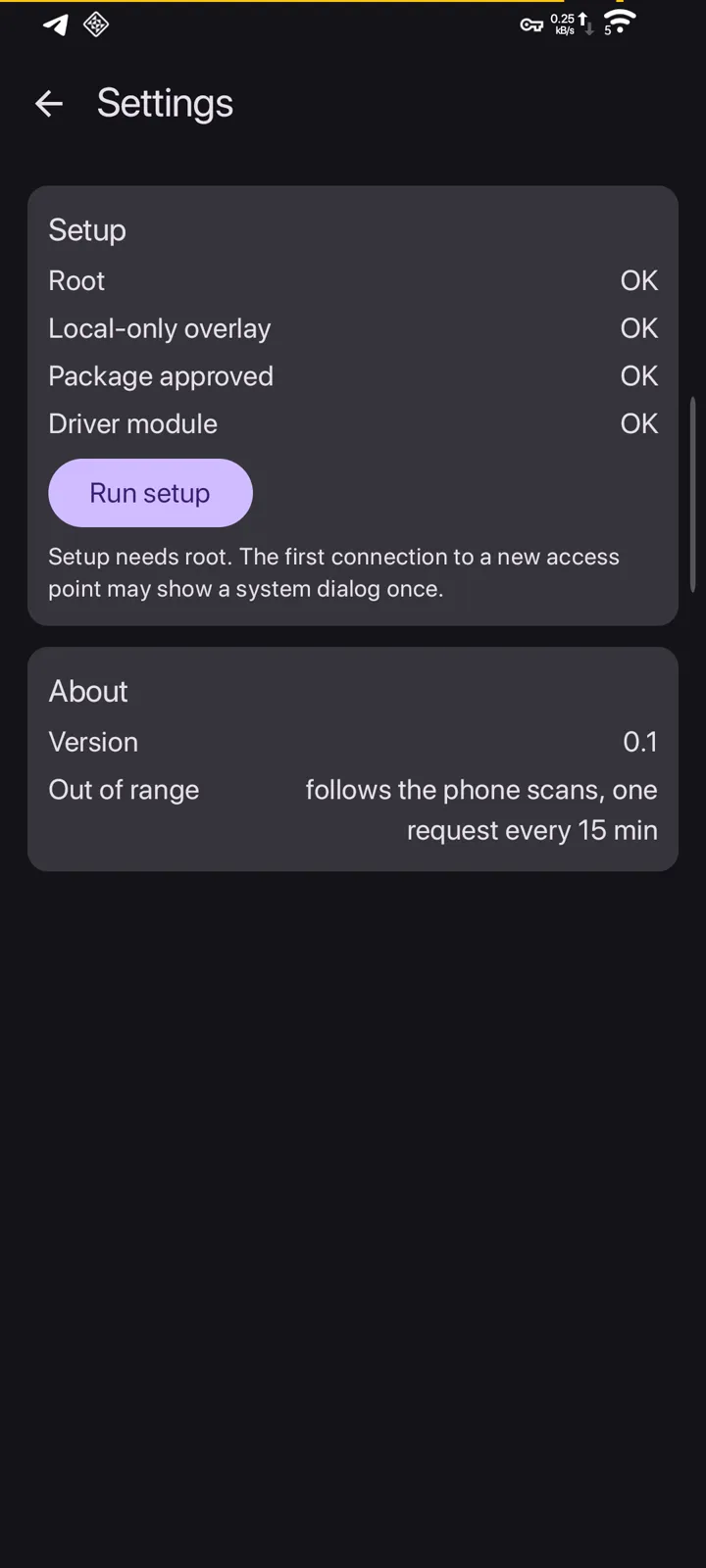
Settings. Root, local-only overlay, package approval and driver module checked, one-tap setup.

1/4 Wi-Fi tab. The link card on top, saved networks, then what is in range. Neighbour network names are blurred.

prev Geppettonext Kliker